Case Study / 02

Laura Aguilar

Real Estate Operations & GoHighLevel System

Laura Aguilar is a California real estate professional with Larry Jolly Real Estate, serving clients throughout Southern California and the Inland Empire. As a Family Nurse Practitioner with 30+ years of healthcare experience, she brings a people-first approach built on trust, education, and thoughtful guidance to every real estate decision.

Laura needed a more organized digital system to support her real estate services, appointments, lead management, and client communication.

The goal was to build a system that could keep her operations organized while reducing the amount of manual work required to manage multiple services and appointments.

Client
Laura Aguilar — Larry Jolly Real Estate
Industry
Real Estate
Location
Southern California & Inland Empire
Platform
GoHighLevel

Services: Landing Page • Calendars • Integrations • Notifications • CRM • Automation
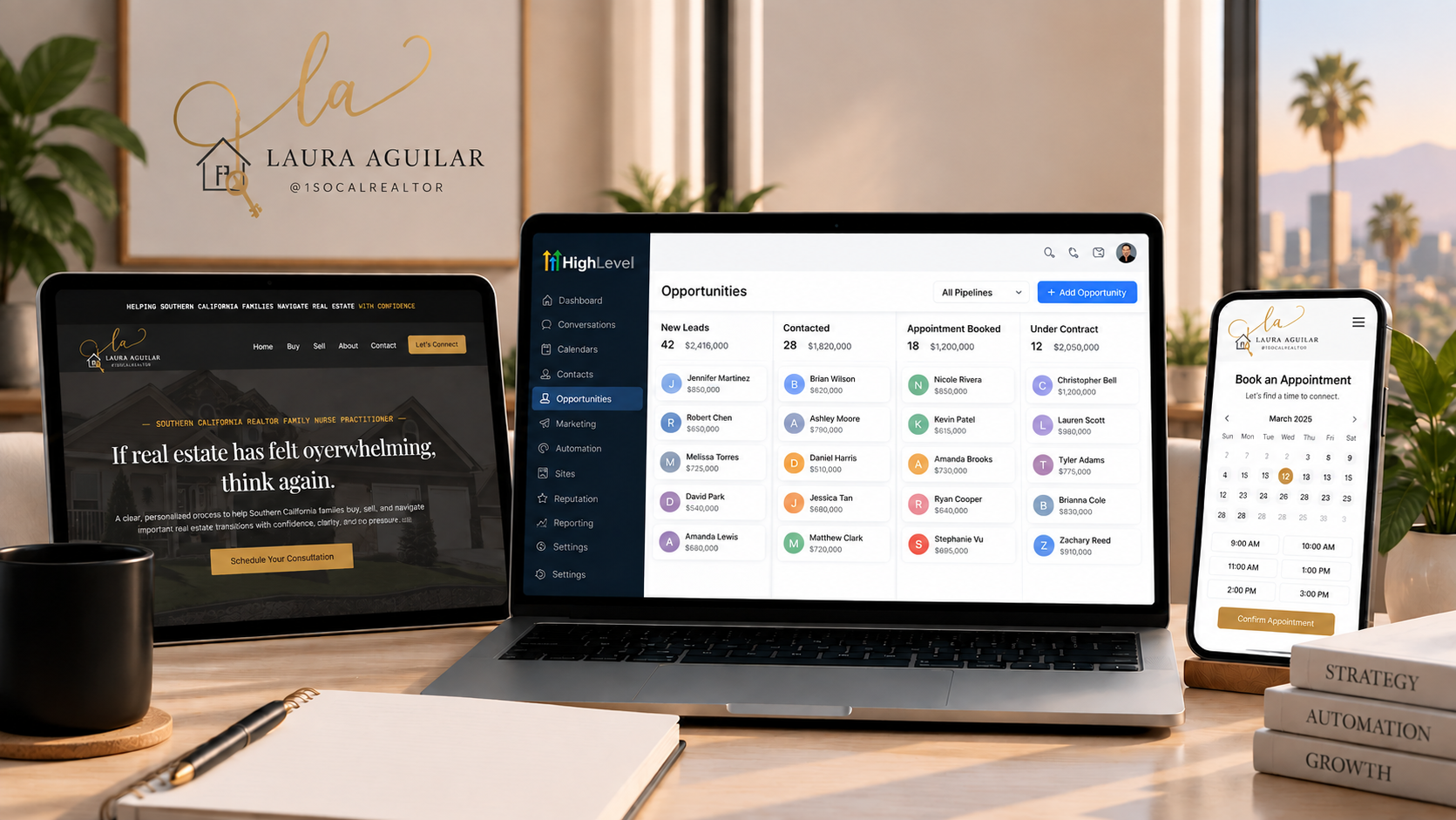
Laura Aguilar project overview

01 / LANDING PAGE

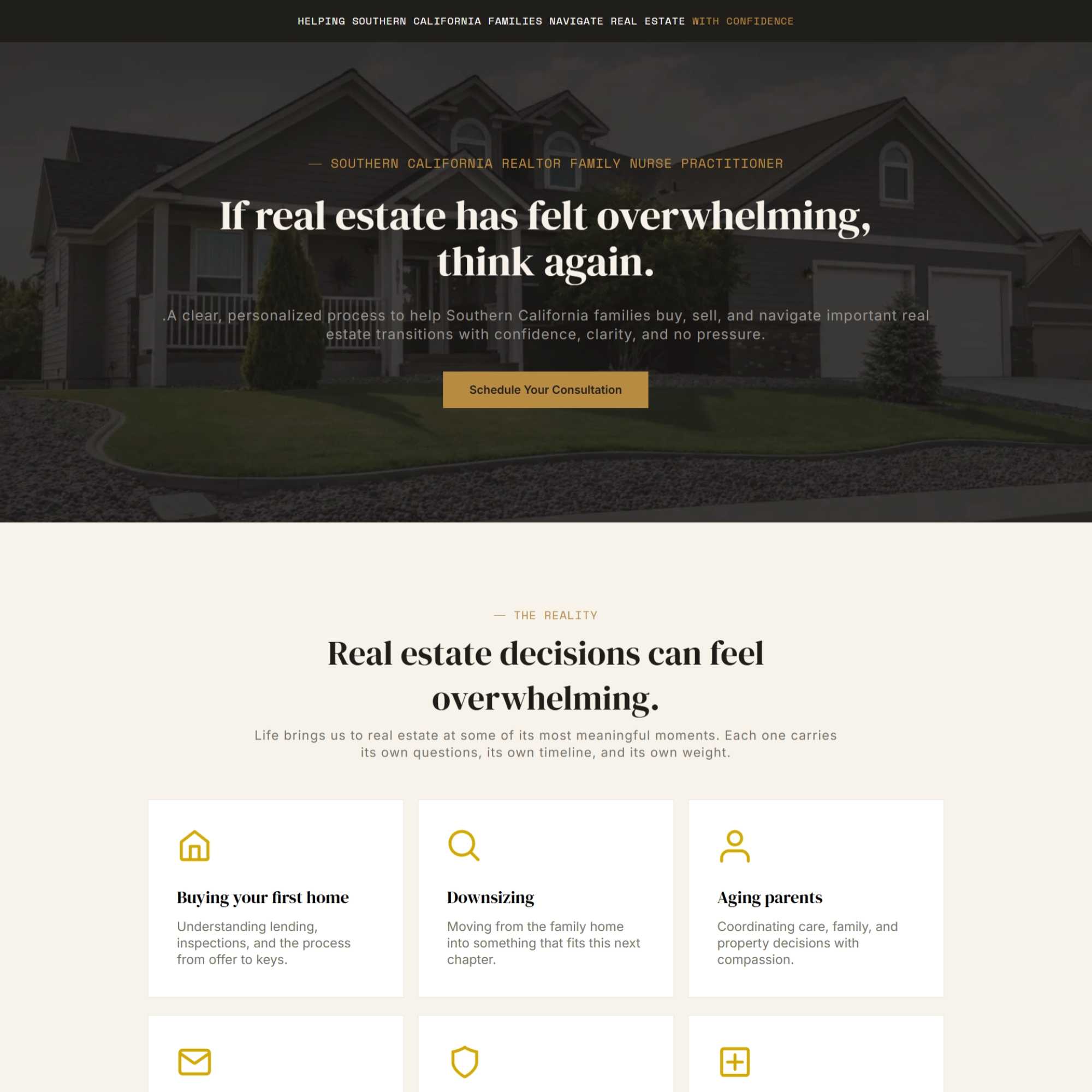
Turning an existing website into a focused client experience.

The Challenge

Laura already had a website, but she wanted a simple, professional landing page that clearly presented her services and communicated her experience to potential clients. She also wanted the new landing page to become the primary website experience rather than continuing to rely on her previous website.

What I Built

I designed and built a new landing page inside GoHighLevel that presented Laura's services in a cleaner and more organized way.
  • Created a simple, professional landing page
  • Organized Laura's services and information
  • Improved the overall user experience
  • Structured the page around her services and client experience
  • Connected the necessary buttons and calls-to-action
  • Connected Laura's domain to the new landing page
  • Replaced the previous website experience with the new landing page

Result
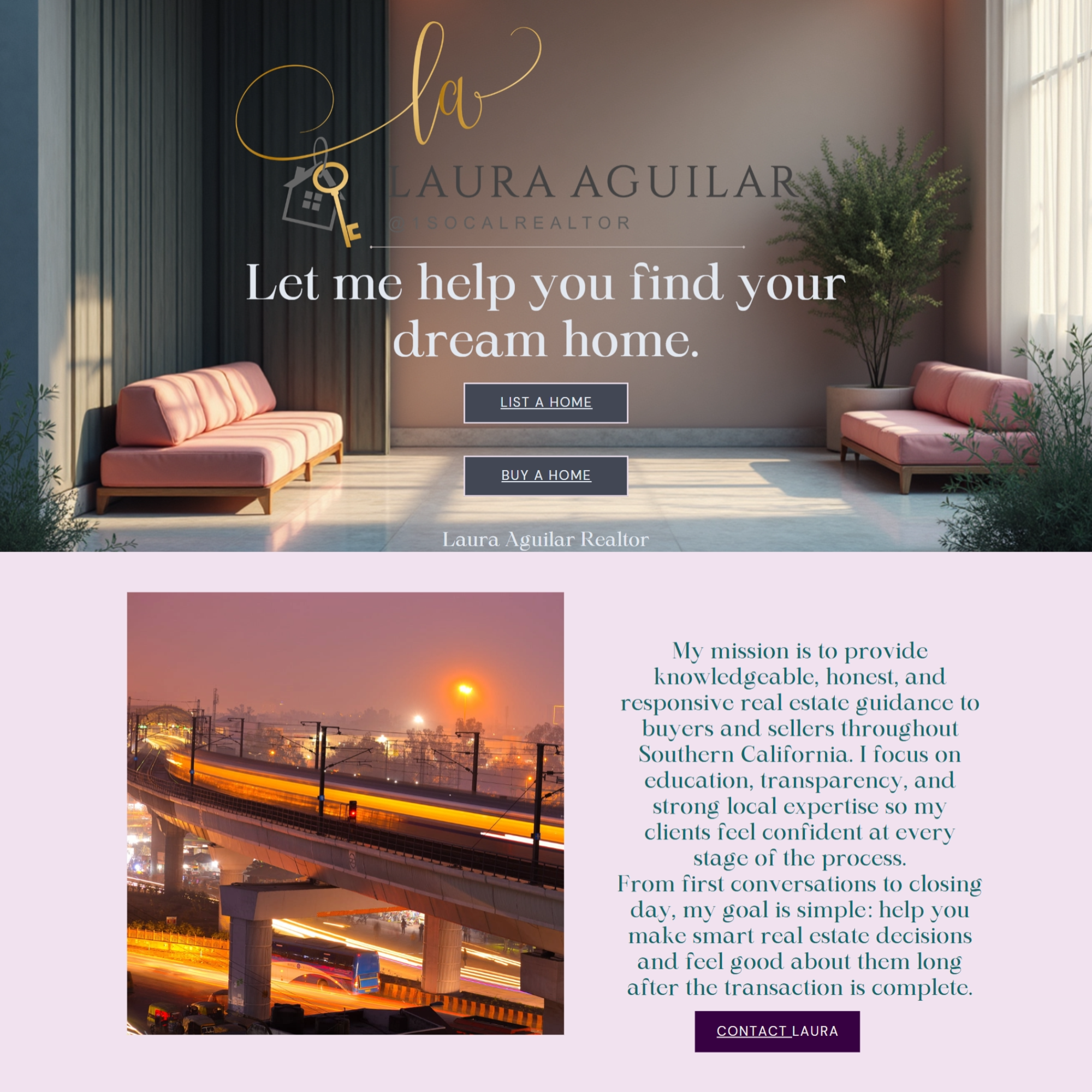
Laura received a cleaner and more focused online presence designed to make it easier for potential clients to understand her services and take the next step.

02 / CALENDAR SYSTEM

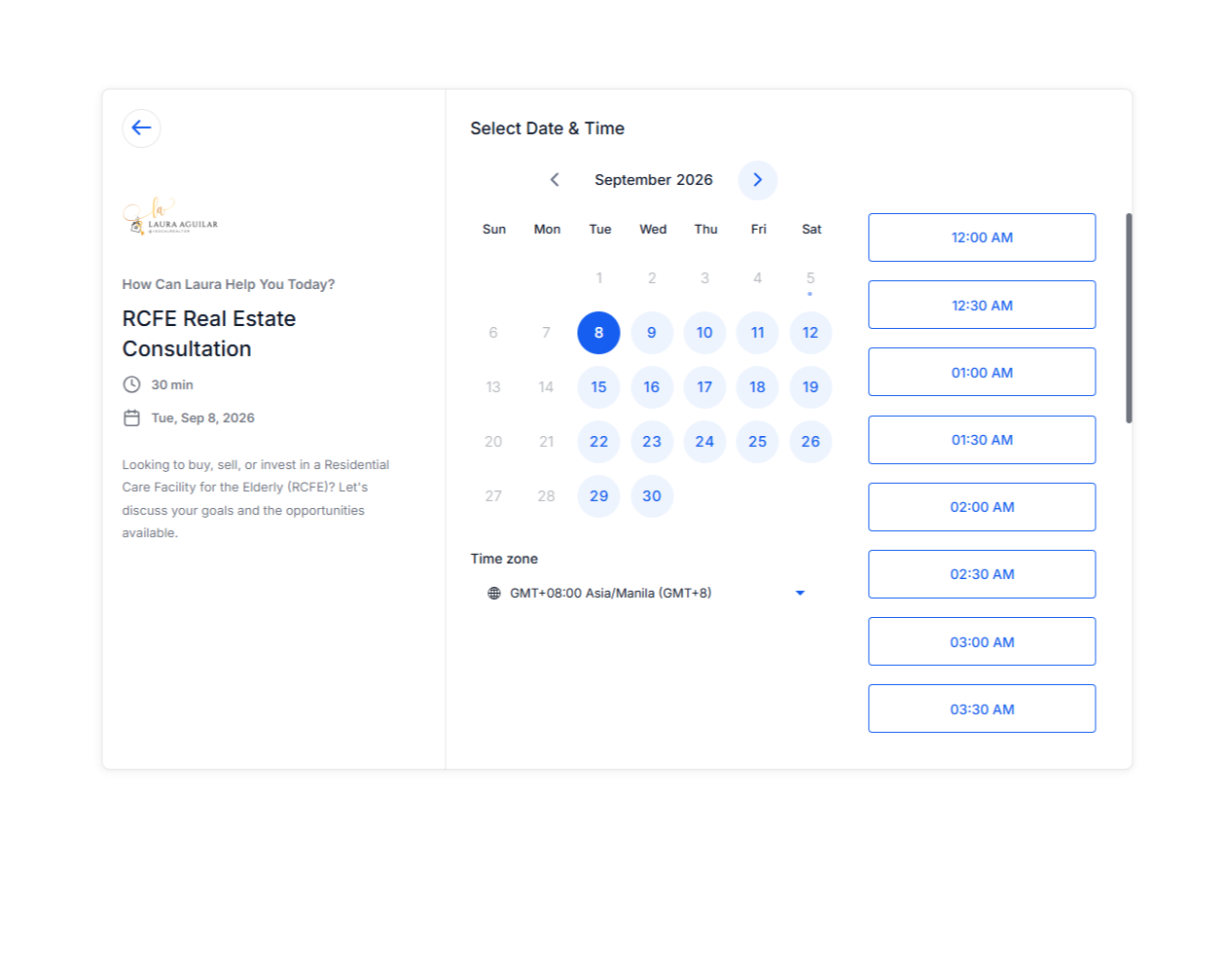
Six services. One organized scheduling experience.

The Challenge

Laura offers six different services, which meant each service needed its own calendar. Managing six separate calendars created the potential for double bookings and scheduling conflicts if each calendar operated independently. The challenge was to keep the six services separated while giving Laura one organized scheduling system.

What I Built

I structured the calendar system so the six service-specific calendars could work together through a single scheduling experience.
  • Created separate calendars for each service
  • Organized appointments according to the appropriate service
  • Connected the calendars to a single scheduling process
  • Reduced the risk of double booking
  • Made appointment management easier for Laura

Result
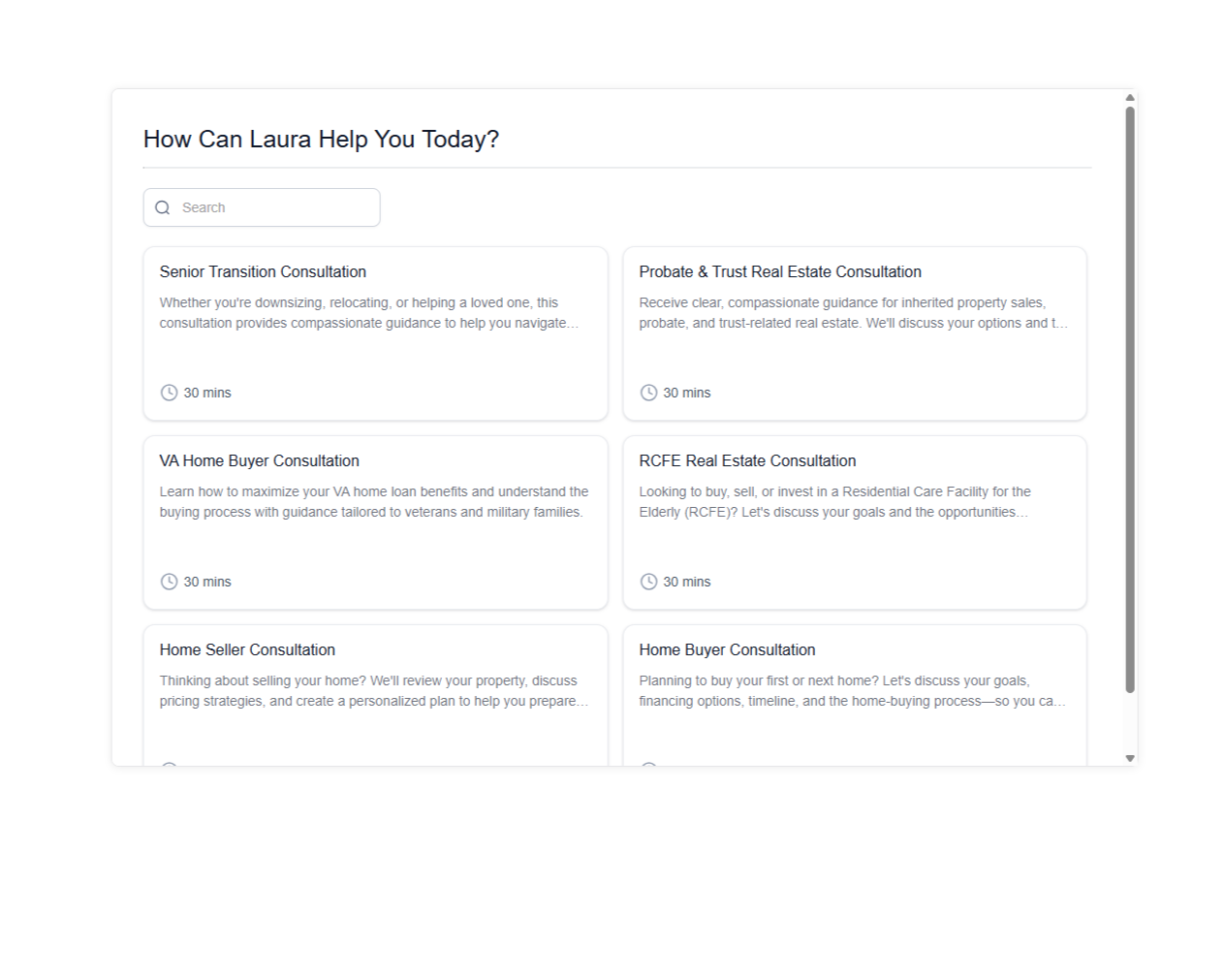
Instead of manually managing six disconnected scheduling processes, Laura could use a more centralized scheduling structure while still maintaining her six individual services.
Calendar structure
Booking calendar

03 / ZOOM INTEGRATION

Automatically connecting appointments to the right meeting.

The Challenge

Laura wanted to use Zoom as the meeting location for her appointments. The goal was for a client who booked an appointment to automatically receive the appropriate Zoom meeting information without Laura having to manually send meeting details.

What I Built

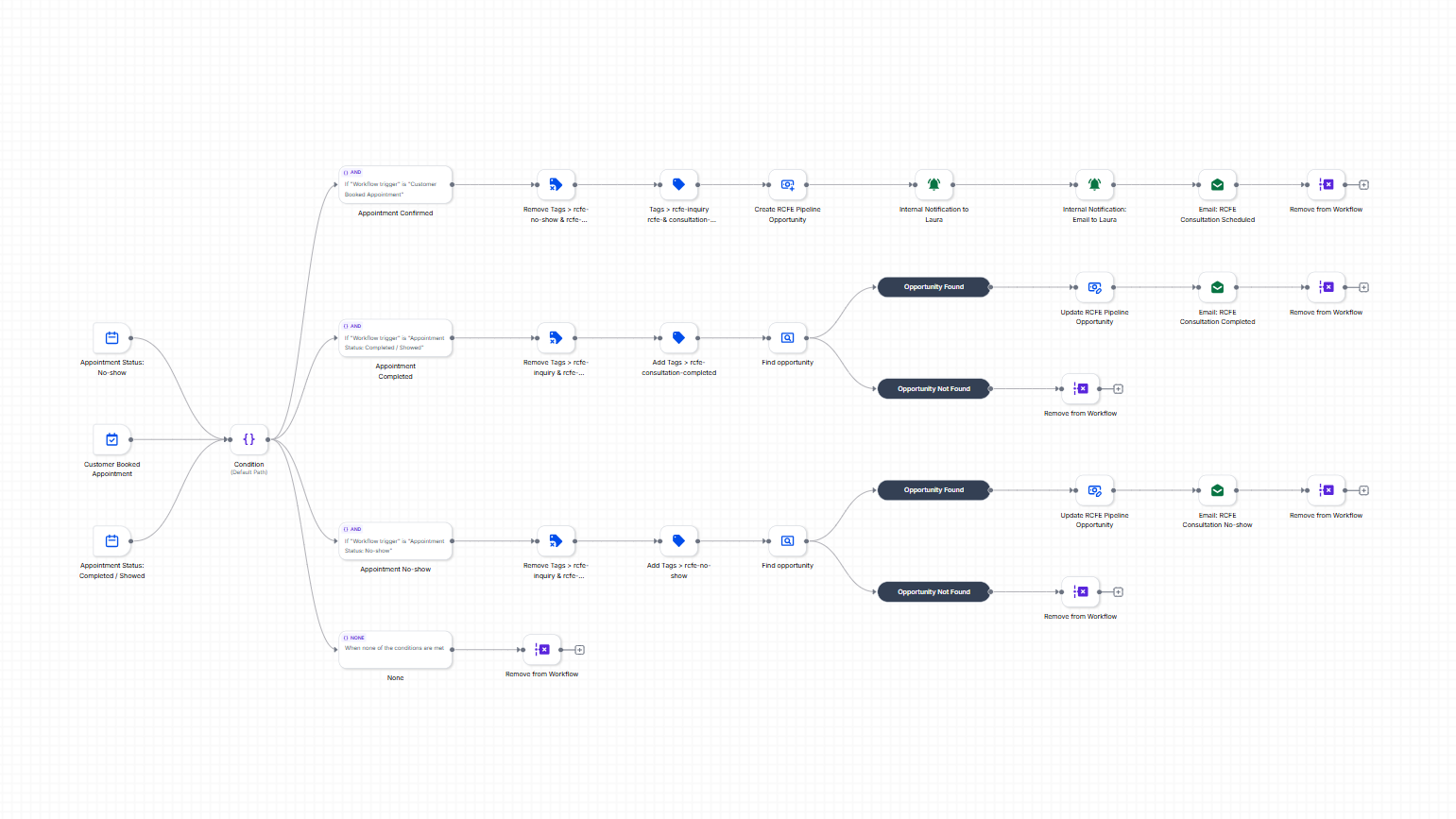
I integrated Zoom into the appointment workflow so that when a lead books an appointment, the system can automatically provide the appropriate Zoom meeting information. This connected the booking experience with the meeting process and reduced the need for manual appointment preparation.

Result

The booking process became more seamless for both Laura and her clients, with Zoom meeting information incorporated into the appointment workflow.
Zoom integration appointment workflow

04 / GOOGLE CALENDAR NOTIFICATIONS

Keeping Laura informed without interrupting the automation.

The Challenge

Laura wanted to receive a notification whenever someone booked an appointment. However, she preferred receiving these notifications through Google Calendar rather than relying solely on email notifications. At the same time, the existing email automation needed to continue working normally for the leads.

What I Built

I connected Laura's Google Calendar to the appointment system so her calendar could act as her primary booking notification.
  • New appointments appear on Laura’s Google Calendar
  • Laura receives booking notifications through her calendar
  • Email automation continues communicating with leads
  • The booking process operates without requiring manual notification

Result
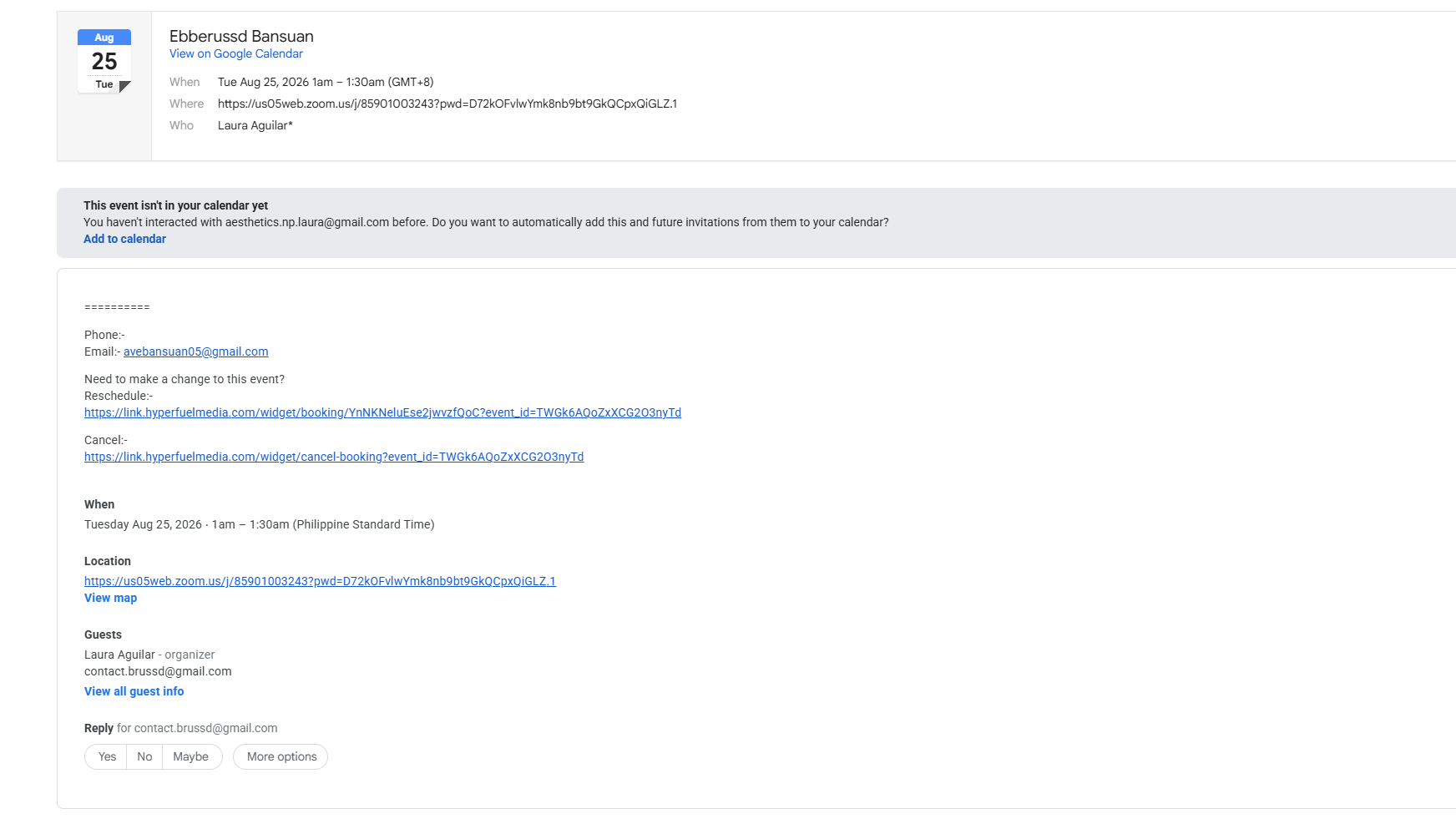
Laura could keep track of new appointments through the tool she was already comfortable using while the lead-facing email automation continued running in the background.
Google Calendar integration

05 / EMAIL DELIVERABILITY & MAILGUN SETUP

Making Laura's automated emails more reliable.

The Challenge

Laura was having trouble with her automated emails being flagged as spam, affecting appointment confirmations and internal notifications.

What I Did

I reviewed her GHL email setup and connected her dedicated Mailgun sending domain to GHL.
  • Connected mg.1socalrealtor.com
  • Configured the Mailgun sending service in GHL
  • Set up branded sending through laura@1socalrealtor.com
  • Updated automated appointment emails
  • Tested customer and internal notifications

Result
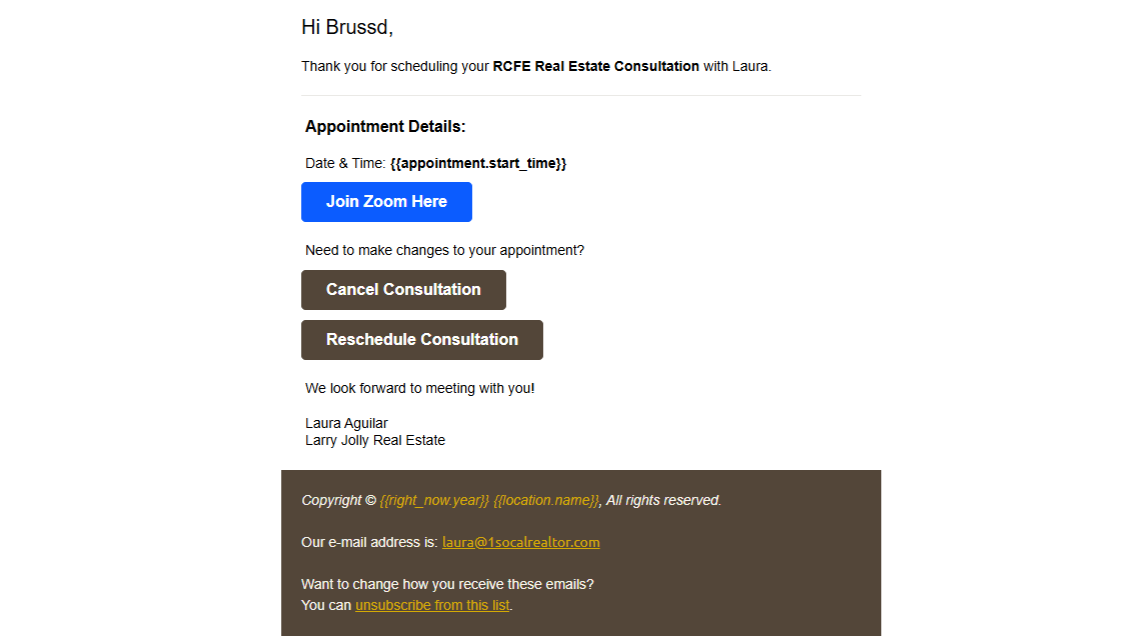
Laura now has a dedicated email-sending setup connected to GHL, giving her automated appointment communications a more reliable and professional sending infrastructure.
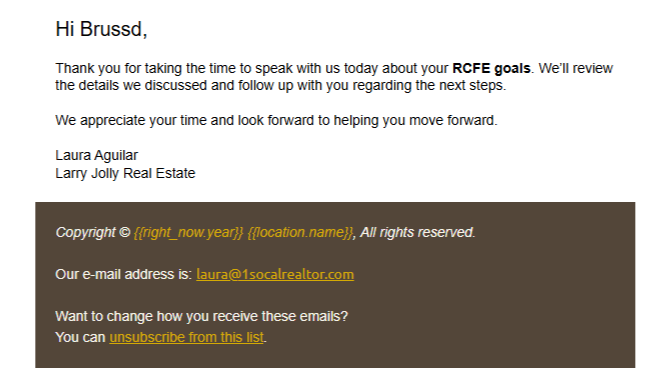
Laura email confirmation
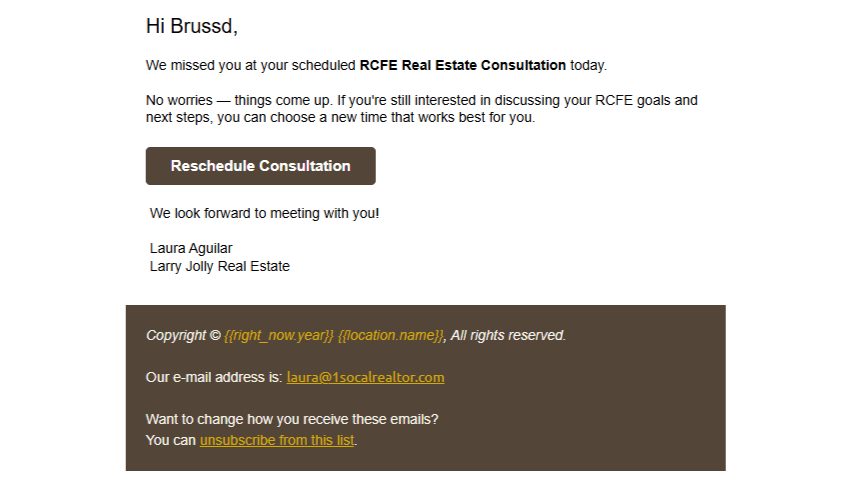
Laura email follow-up
Laura email missed appointment

06 / CRM PIPELINE

Six services. Organized pipelines. Clearer lead management.

The Challenge

Because Laura offers six different services, she needed a CRM structure that would make it easier to track where leads were in the process. A single generalized pipeline would make it harder to distinguish between different services and manage the movement of leads effectively.

What I Built

I structured the CRM so that Laura's six services could be organized into separate pipelines, giving her a clearer way to manage leads according to the service they were interested in.
  • Separated leads by service
  • Tracked lead movement through pipeline stages
  • Organized opportunities more clearly
  • Moved leads between stages as they progressed
  • Made it easier to understand where each lead stands

Result

The CRM became more structured around Laura's actual business model, making it easier to organize leads and track their progress across her different services.

System Overview

The System I Built

A connected GoHighLevel system for Laura’s real estate operations.

01

Landing Page

Present Laura’s services and guide visitors toward action.

02

Calendar System

Organize six different services and appointments.

03

Zoom Integration

Connect booked appointments with online meetings.

04

Google Calendar Notifications

Keep Laura informed about new appointments.

05

Email Deliverability & Mailgun Setup

Create a more reliable sending infrastructure for automated emails.

06

CRM Pipelines

Organize and track leads by service.

The Result

From separate tools to one connected workflow.

The project focused on creating a more organized operational system around Laura��s real estate business. The resulting setup connected her website, service calendars, appointment scheduling, Zoom meetings, Google Calendar notifications, email automation, and CRM pipelines into a more structured GoHighLevel environment. The goal wasn’t simply to add more automation. It was to create a system that made it easier for Laura to manage multiple services, stay informed about appointments, and keep leads organized as they moved through her process.